
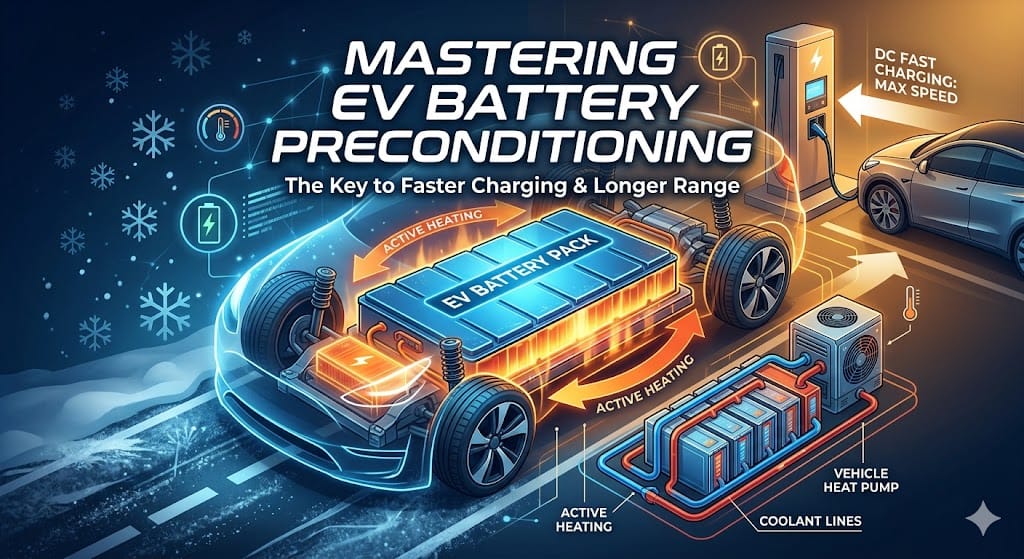
Why Your EV Charges Slowly and How to Fix It: A Guide to Battery Preconditioning
Have you ever pulled up to a DC fast charger, expecting a quick 20-minute boost, only to find your car charging at a snail’s pace? You aren’t doing anything wrong, but your car might not be ready. The secret to unlocking the fastest speeds is a modern feature called Battery Preconditioning.
What is Battery Preconditioning?
Think of your electric vehicle (EV) battery like a professional athlete. If it is too cold, its muscles are stiff and it can’t perform; if it’s too hot, it risks overheating. To accept electricity at high speeds (like 150kW or 250kW), your battery needs to be at an optimal ‘goldilocks’ temperature. Preconditioning is the process where your car automatically heats or cools the battery while you are driving so it hits the perfect temperature the moment you plug in.
The Golden Rule: Use the Built-in Navigation
The most common mistake drivers make is using Google Maps or Waze on their phones via Apple CarPlay or Android Auto. While great for directions, these apps don’t talk to your car’s brain. To activate preconditioning in most EVs (like Teslas, Hyundais, Kias, and Fords), you must use the car’s native, on-screen navigation system.
- Step 1: Open your car’s built-in navigation map.
- Step 2: Search for a DC Fast Charger (like a Supercharger or Electrify America station).
- Step 3: Select it as your destination and start the route.
- Step 4: Your car will now recognize you are heading to a charger and will start the preconditioning process automatically.
How Much Time Does It Actually Save?
In cold weather, a ‘cold’ battery might only accept 40kW of power even if the charger is capable of 350kW. This means you could be sitting there for over an hour. By preconditioning on the way to the station, the car can jump immediately to its maximum charging rate, often cutting your wait time by 20 to 30 minutes.
Practical Tips for Every Driver
- Give it time: In freezing temperatures, your car may need 20-30 minutes of driving to fully warm the battery. Plan your charging stop in your navigation as soon as you start your trip.
- Watch your range: Preconditioning uses a small amount of energy from the battery to generate heat. If you are extremely low on power (below 10%), some cars may disable preconditioning to ensure you have enough range to reach the charger.
- Check for the Icon: Many EVs will show a small snowflake icon or a message saying “Preconditioning for Fast Charging” near your battery gauge when the system is active.
By mastering this one simple feature, you can turn a frustrating charging experience into a quick, seamless pit stop, getting you back on the road faster.